Urban Delivery Pro 3D
Load up. Drive smooth. Deliver.
Urban Delivery Pro 3D
Drive a delivery van through 50 3D shifts: reverse into the loading dock, then deliver fragile and heavy parcels through a busy old town.
About the Game
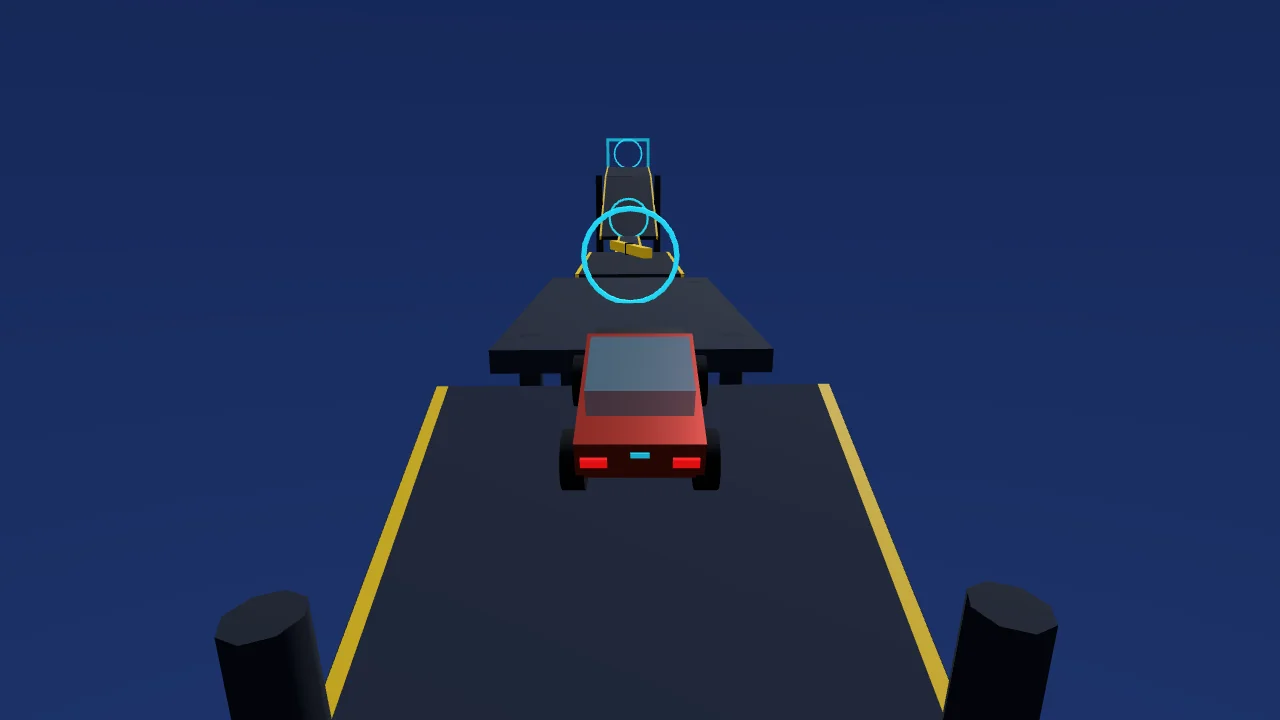
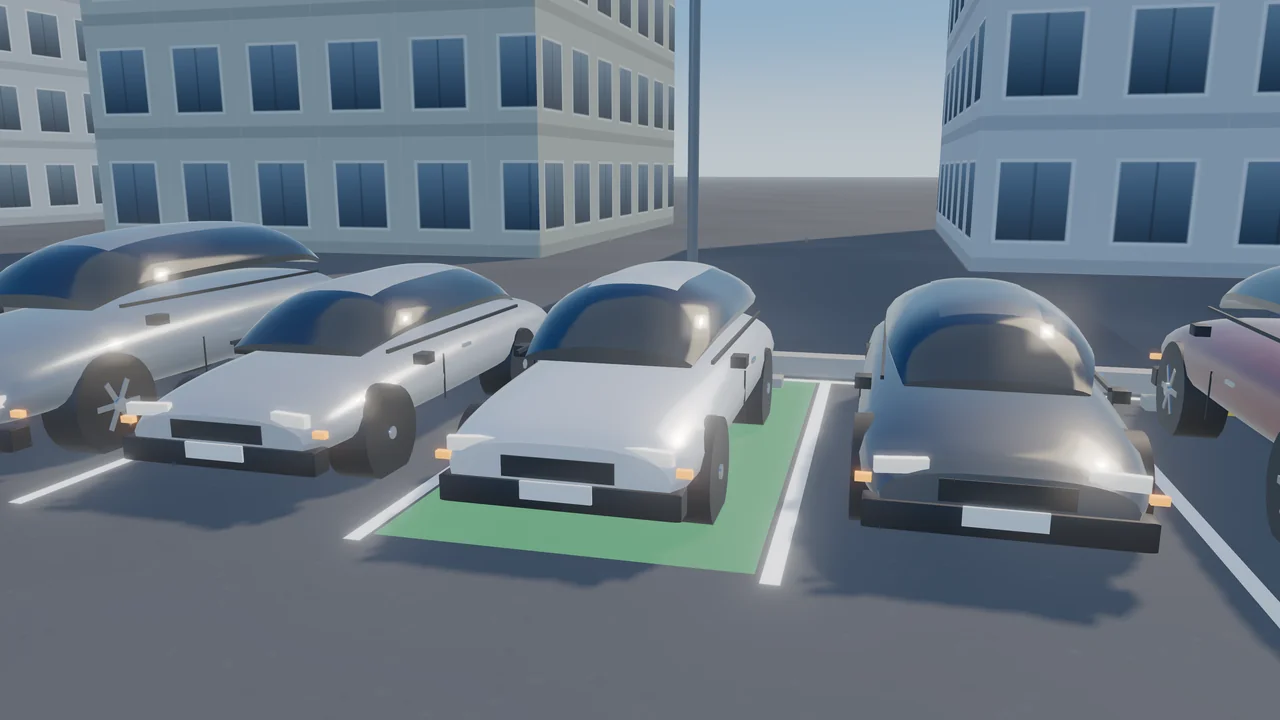
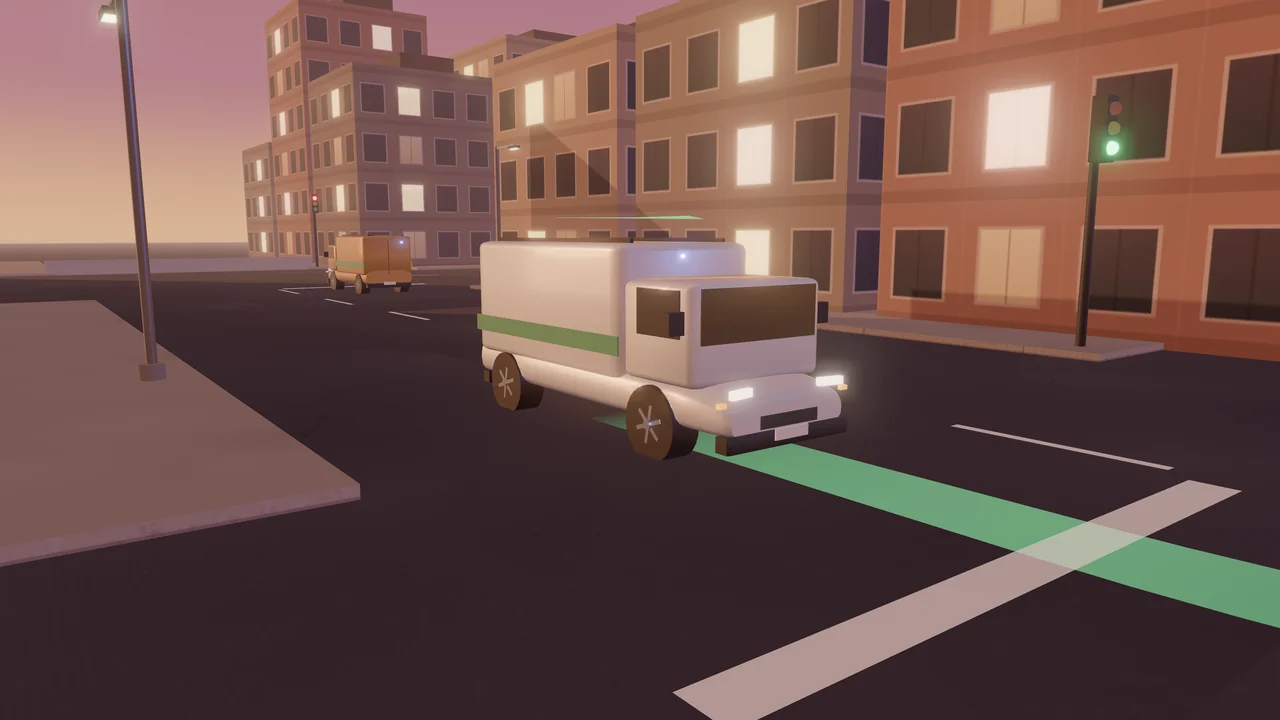
Urban Delivery Pro 3D is an original 3D delivery-driving game with 50 shifts in five chapters. Every shift starts at the depot: drive past the glowing loading bay, stop, and reverse the van in until all four corners are inside the lines, nose out — then hold still while it is loaded. A GPS line on the road leads you through a packed old town of narrow blocks, traffic and traffic lights to each kerbside loading zone, where you stop while the parcel is unloaded; deliver them in order. What you carry changes how the van drives: heavy loads accelerate slowly and need longer to stop, and the cargo's condition drops for collisions, harsh braking and mounting the kerb — twice as fast with something fragile aboard. At 0 % the shift is lost, and so is a wrecked van or the shift clock running out. Each parcel pays by distance and weight, scaled by its condition, with a bonus for arriving before its ETA; red lights, speeding and the sidewalk cost fines, and sticking to the planned route earns an efficiency bonus. First Route teaches the dock and the drops, Fragile Goods brings glassware and ceramics, Heavy Loads brings furniture and tiles, Night Freight moves the docks onto a raised platform up a ramp, and Rush Delivery packs long rounds into busy, rainy streets with road works. Every shift was driven by an autopilot that docked and delivered every parcel without a collision or a red light, and again with late, imprecise inputs. The van, traffic and props are modelled in Blender and drawn in real time with WebGL. Keyboard or touch controls, an overhead camera and Auto, Low, Medium and High graphics.
How to Play
At the depot, drive past the glowing loading bay along the yard, stop, then hold S or the down arrow to reverse the van into the bay — all four corners inside the lines, nose out — and hold still while it is loaded. Then follow the GPS line on the road to the first kerbside loading zone and stop beside it, facing along the street, while the parcel is unloaded; deliver every parcel in order. Hold W or the up arrow to drive and steer with A and D or the left and right arrows. A heavy load makes the van slow to accelerate and to stop. Collisions, harsh braking and mounting the kerb damage the cargo — twice as much when it is fragile. Stop at red lights, give way when turning left and keep to the speed limit to avoid fines. Press C for an overhead view when reversing. On a touch screen use ◀ ▶ to steer and Gas and Brake on the right.
Controls
- W / Up arrowDrive forward
- S / Down arrowBrake; hold when stopped to reverse
- A / D or Left / Right arrowsSteer
- COverhead camera on/off
- Touch: ◀ ▶ to steer, Gas and Brake on the right, Cam for the overhead viewTouch: ◀ ▶ to steer, Gas and Brake on the right, Cam for the overhead view
- RRestart the shift · Esc / P — Pause
Features
- 50 delivery shifts in five chapters
- Reverse-in loading docks, some on a raised platform up a ramp
- Narrow old-town streets with traffic, traffic lights and road works
- Fragile and heavy cargo that changes how the van drives
- Pay by distance, weight, condition and punctuality; fines and an efficiency bonus
- Original van, traffic and props modelled in Blender, real-time WebGL
- Keyboard and touch controls, overhead camera, Auto/Low/Medium/High graphics
Gameplay Tips
- Drive past the bay by about a van length before reversing in.
- Use the overhead camera (C) for the last metres into the dock.
- With a heavy load, start braking much earlier.
- Fragile parcels hate harsh braking: ease off the gas instead.
- On the raised platform, take the ramp slowly.
FAQ
What is Urban Delivery Pro 3D?
A free 3D delivery-driving game on ZOQSY with 50 shifts: reverse a van into the depot's loading dock, then deliver parcels to loading zones around a busy old town.
How do I load the van?
Drive past the glowing bay, stop, then reverse in until all four corners are inside the lines with the nose pointing out, and hold still while the van is loaded.
Why does the van feel different?
The cargo has weight: a heavy load makes the van slower to accelerate and to stop. The handling changes as you deliver each parcel.
What damages the cargo?
Collisions, harsh braking and mounting the kerb. Fragile parcels take twice the damage; at 0 % the shift is lost.
Is every shift possible?
Yes. Every shift was driven by an autopilot that docked and delivered every parcel without a collision or a red light, and again with late, imprecise inputs, before release.
Can I play on my phone?
Yes. Use the ◀ ▶ buttons to steer and Gas and Brake on the right; Cam switches to the overhead view. Auto graphics picks a lighter setting on phones.