Parking Masters 3D
Line up. Back in. Park perfect.
Parking Masters 3D
Park a hatchback in 50 3D stages: bays, angled spaces, kerbside gaps, lock-up garages and multi-storey ramps.
About the Game
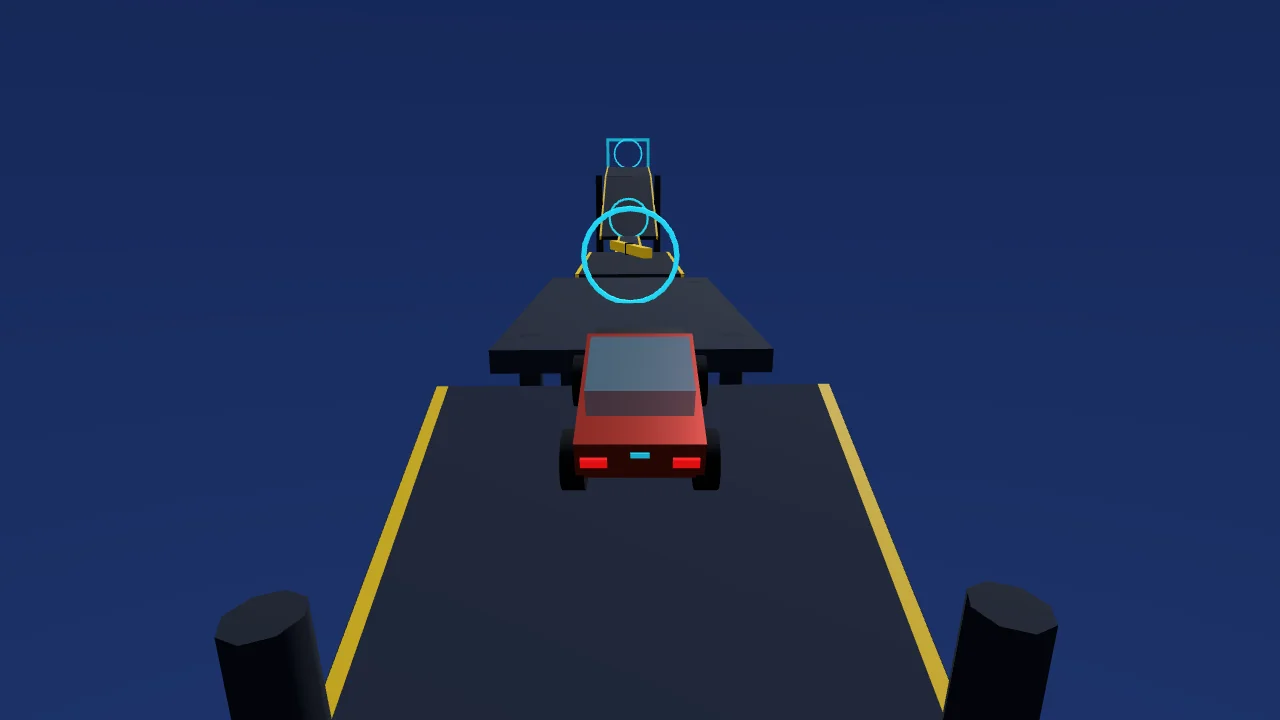
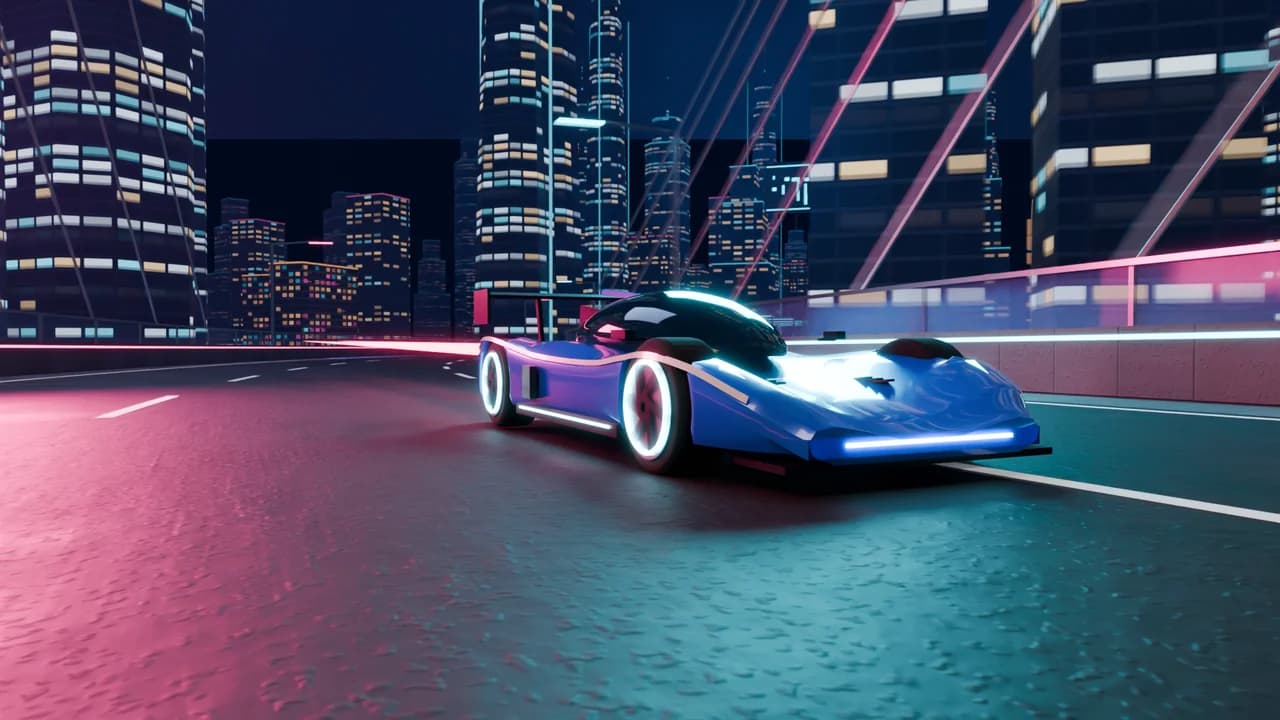
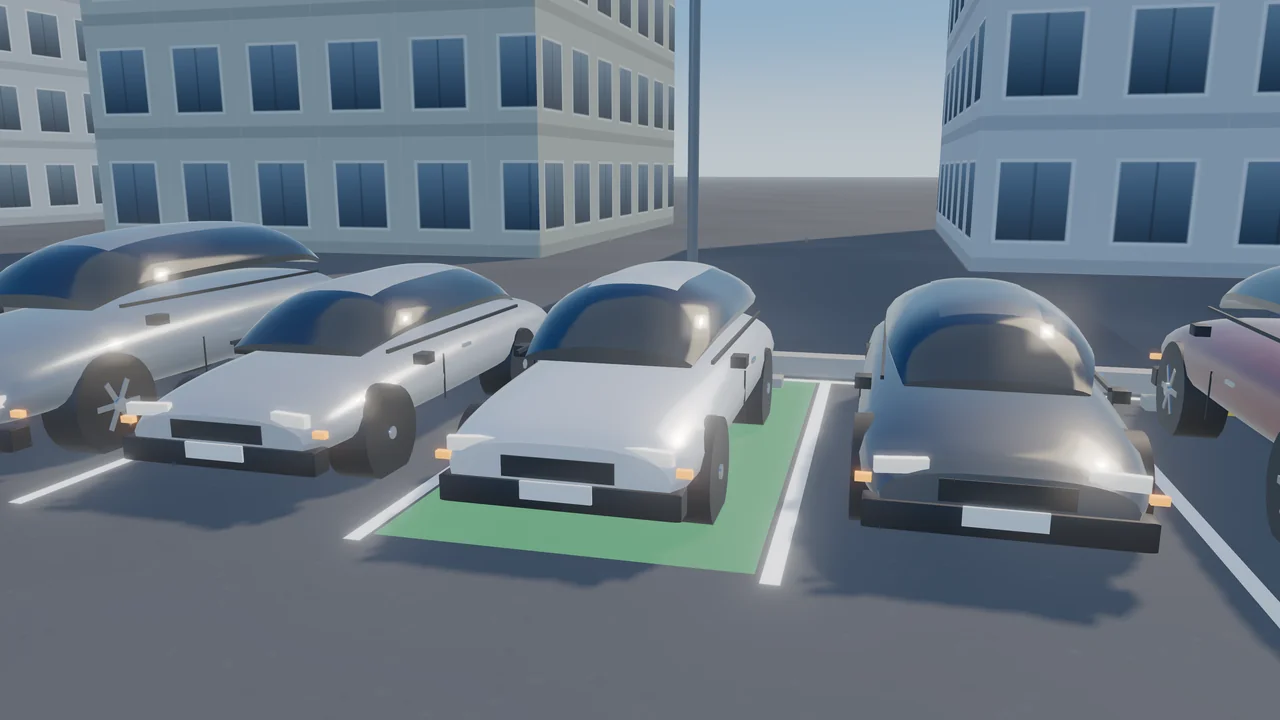
Parking Masters 3D is an original 3D parking game with 50 designed stages in five chapters. In the Learner Lot you park nose-in and reverse into bays, follow cone lanes and avoid red reserved spaces; on City Kerbside you parallel park between parked cars while traffic passes in the far lane; Underground brings concrete pillars, lock-up garages with narrow doors and a car crossing the aisle; in the Multi-Storey you climb up to three ramps of a stepped car park to a bay on the top deck; and Master Valet combines everything at night under strict judging. The target bay glows red until all four corners of the car are inside, amber while the car is inside but crooked and green when it is straight — then a bar fills while you hold still. Hitting cars, pillars or walls adds damage (100 % fails the stage), knocked cones, kerb touches and corners in a reserved bay are penalties, and every stage has a clock. You score for time and for how centred and straight you park, and earn up to three stars. Every stage was checked by an autopilot that parked it without touching anything, and again with late, imprecise inputs. The car, cones, barriers and props are modelled in Blender and drawn in real time with WebGL. Keyboard or touch controls, an overhead camera and Auto, Low, Medium and High graphics.
How to Play
Drive to the glowing bay and park inside it. Hold W or the up arrow to drive and steer with A and D or the left and right arrows. Hold S or the down arrow to brake; keep holding it once the car has stopped and it reverses. The bay turns amber when all four corners of the car are inside the lines and green when the car is also straight — then stop and hold still until the bar at the end of the bay fills. Avoid parked cars, pillars and walls: hits add damage and 100 % fails the stage. Knocking a cone over, touching the kerb or putting a corner into a red reserved bay costs points. Press C for an overhead view of the lines. Three stars need a clean park inside the par time. On a touch screen use the ◀ ▶ buttons to steer and Gas and Brake on the right.
Controls
- W / Up arrowDrive forward
- S / Down arrowBrake; hold when stopped to reverse
- A / D or Left / Right arrowsSteer
- COverhead camera on/off
- Touch: ◀ ▶ to steer, Gas and Brake on the right, Cam for the overhead viewTouch: ◀ ▶ to steer, Gas and Brake on the right, Cam for the overhead view
- RRestart the stage · Esc / P — Pause
Features
- 50 designed stages in five chapters
- Nose-in, reverse and angled bays, parallel parking, garages and multi-storey ramps
- Live bay indicator: red, amber and green, plus a hold-still bar
- Damage, cones, kerbs and reserved bays scored as penalties
- Original car and props modelled in Blender, real-time WebGL
- Keyboard and touch controls, overhead camera, Auto/Low/Medium/High graphics
Gameplay Tips
- Narrow bays are easier backwards: drive past, stop, then reverse in.
- For parallel parking, stop beside the front car, reverse with full lock toward the kerb, then counter-steer.
- Use the overhead camera (C) for the last metre.
- Slow is fast: a touch of damage costs more than a few seconds.
- In the multi-storey, keep a steady speed up the ramps and turn wide on the top deck.
FAQ
What is Parking Masters 3D?
A free 3D parking game on ZOQSY with 50 stages: park a hatchback in bays, kerbside gaps, garages and on the top deck of a multi-storey car park.
How do I reverse?
Hold Brake (S or the down arrow). When the car has stopped, keep holding it and the car reverses; press Gas to stop and drive forward again.
When does a park count?
When all four corners of the car are inside the glowing bay, the car is straight and it stays still for one second.
What are the red bays?
Reserved bays. Putting a corner of the car into one is a penalty and costs the three-star rating.
Is every stage possible?
Yes. Every stage was parked by an autopilot without touching anything, and again with late, imprecise inputs, before release.
Can I play on my phone?
Yes. Use the ◀ ▶ buttons to steer and Gas and Brake on the right; Cam switches to the overhead view. Auto graphics picks a lighter setting on phones.