City Cab Pro 3D
Pick up. Drive safe. Get paid.
City Cab Pro 3D
Drive a yellow cab through 50 3D shifts: follow the GPS, stop at red lights, pick passengers up at the kerb and get them there smoothly.
About the Game
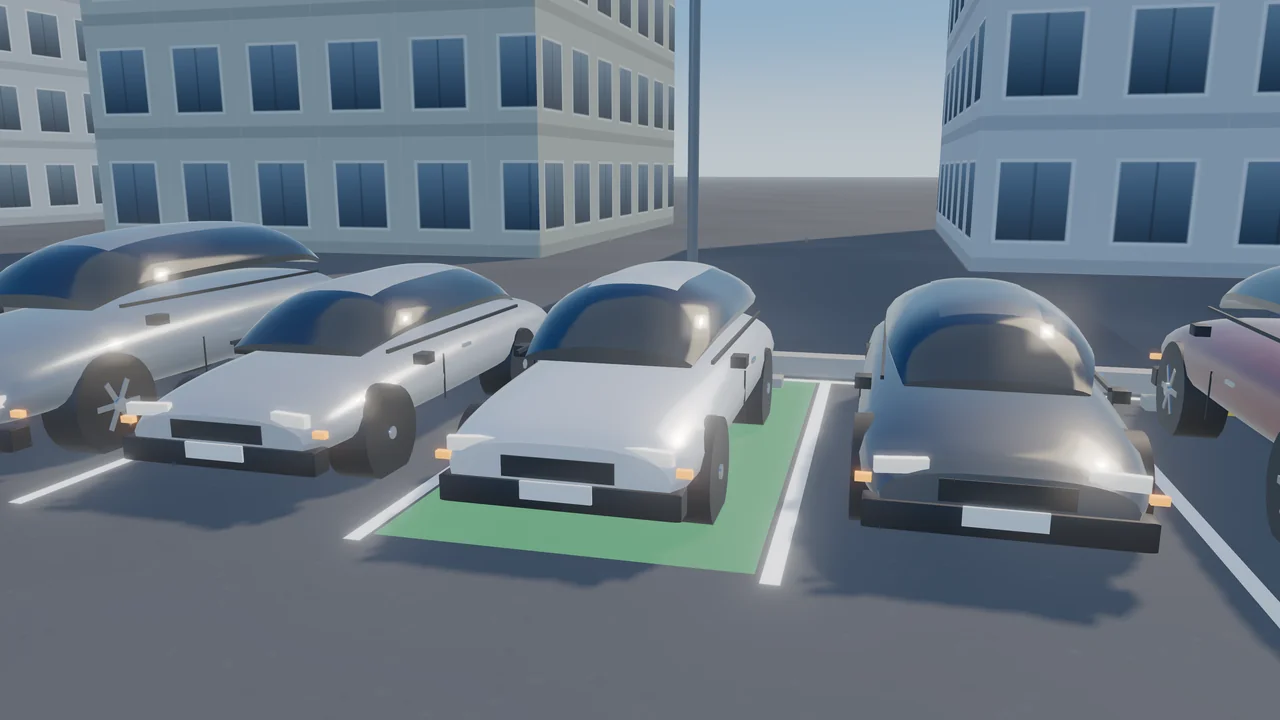
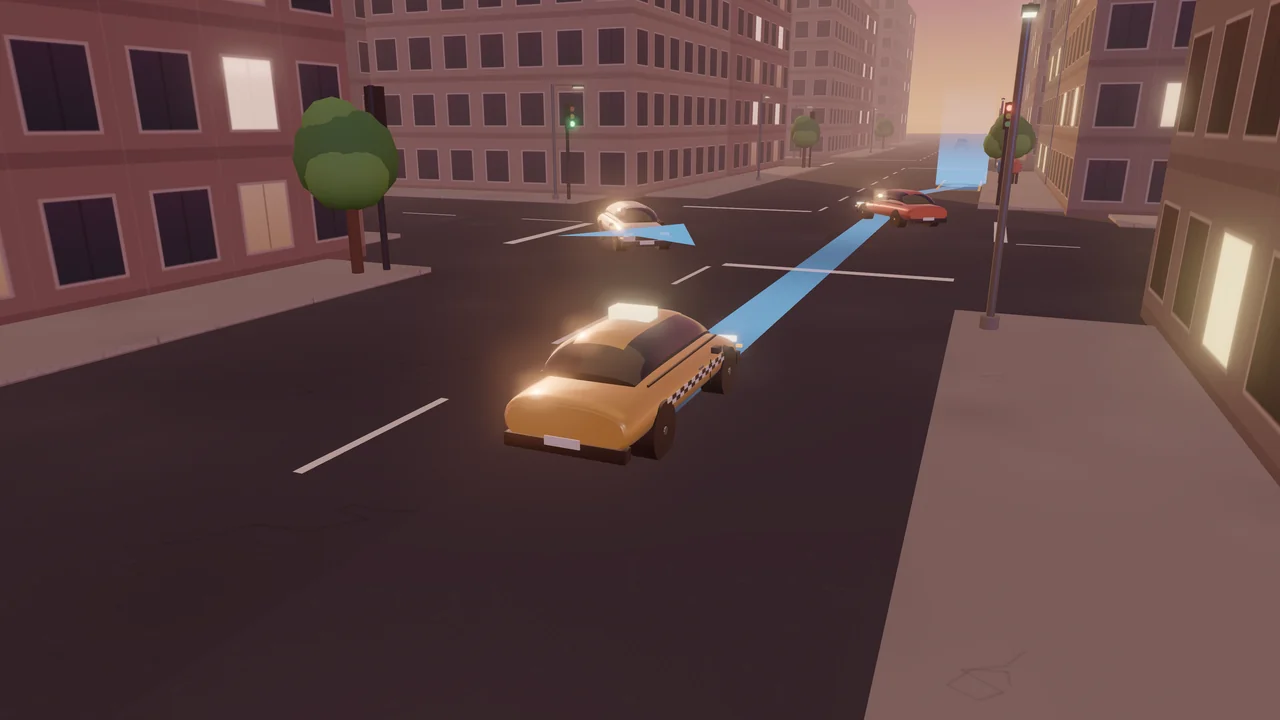
City Cab Pro 3D is an original 3D taxi game with 50 designed shifts in five chapters. Each shift is a grid city with traffic driving round its blocks, traffic lights at every junction, kerbside stops and one to three fares. A glowing GPS line on the road leads you to the waving passenger — stop at the kerb inside the highlighted zone until they board — and then to their drop-off; leave the line and the GPS plans a new route from where you are. Your passenger notices how you drive: collisions, running a red light, mounting the sidewalk, harsh braking, speeding and arriving after the ETA all lower their satisfaction, and at zero they get out. Every delivered fare pays the meter for its route and a tip that grows with satisfaction. First Shift teaches the GPS, the lights and kerbside stops on quiet streets; Rush Hour brings heavy traffic, hurried passengers and road works; Night Fares has VIPs who tip big and nervous riders who mind every bump; Storm Season adds rain that makes the road slippery and fog that hides the next junction; Big City has tourists who want to pass a landmark, airport runs to the far corner and the busiest traffic. Every shift was driven by an autopilot that delivered every fare without a collision or a red light, and again with late, imprecise inputs. The cab, traffic and street props are modelled in Blender and drawn in real time with WebGL. Keyboard or touch controls, an overhead camera and Auto, Low, Medium and High graphics.
How to Play
Follow the glowing GPS line to the waving passenger. Hold W or the up arrow to drive and steer with A and D or the left and right arrows; hold S or the down arrow to brake. Stop at the kerb inside the highlighted zone, facing along the street, and wait while the passenger boards. Then follow the line to the drop-off and stop the same way. Stop at red lights, give way to oncoming cars before you turn left, keep your distance from the car ahead and stay off the sidewalk. The Mood chip shows your passenger's satisfaction: collisions, red lights, the sidewalk, harsh braking, speeding and running late lower it, and at zero they get out. Deliver every fare before the shift clock runs out. On a touch screen use the ◀ ▶ buttons to steer and Gas and Brake on the right.
Controls
- W / Up arrowDrive forward
- S / Down arrowBrake; hold when stopped to reverse
- A / D or Left / Right arrowsSteer
- COverhead camera on/off
- Touch: ◀ ▶ to steer, Gas and Brake on the right, Cam for the overhead viewTouch: ◀ ▶ to steer, Gas and Brake on the right, Cam for the overhead view
- RRestart the shift · Esc / P — Pause
Features
- 50 designed shifts in five chapters
- Grid cities with traffic, traffic lights, road works and kerbside stops
- GPS line on the road with turn-by-turn directions and automatic re-routing
- Passenger satisfaction, metered fares and tips; six passenger types
- Day, dusk, night, rain and fog
- Original cab, traffic and props modelled in Blender, real-time WebGL
- Keyboard and touch controls, overhead camera, Auto/Low/Medium/High graphics
Gameplay Tips
- Brake early: a gentle stop keeps the passenger happy, a harsh one does not.
- Amber means stop if you can — the light turns red two seconds later.
- Before a left turn, wait for the oncoming lane to clear.
- Nervous passengers want under 43 km/h and no bumps; VIPs tip double for a smooth ride.
- On wet roads the cab grips less: slow down before the turns.
FAQ
What is City Cab Pro 3D?
A free 3D taxi game on ZOQSY with 50 shifts: pick passengers up at the kerb and drive them through a city with traffic, traffic lights and weather.
How do I pick a passenger up?
Follow the GPS line, then stop at the kerb inside the highlighted zone, facing along the street. Wait without moving while the passenger gets in.
What lowers satisfaction?
Collisions, running a red light, driving on the sidewalk, harsh braking, speeding and arriving after the ETA. Nervous passengers and VIPs mind more.
What if I miss a turn?
Keep driving: when you leave the GPS line, it plans a new route from where you are.
Is every shift possible?
Yes. Every shift was driven by an autopilot that delivered every fare without a collision or a red light, and again with late, imprecise inputs, before release.
Can I play on my phone?
Yes. Use the ◀ ▶ buttons to steer and Gas and Brake on the right; Cam switches to the overhead view. Auto graphics picks a lighter setting on phones.